This is what you need to do connect to the Laboratory if your computer works under MS Windows operating system.
STEP 1: Run the RDP client
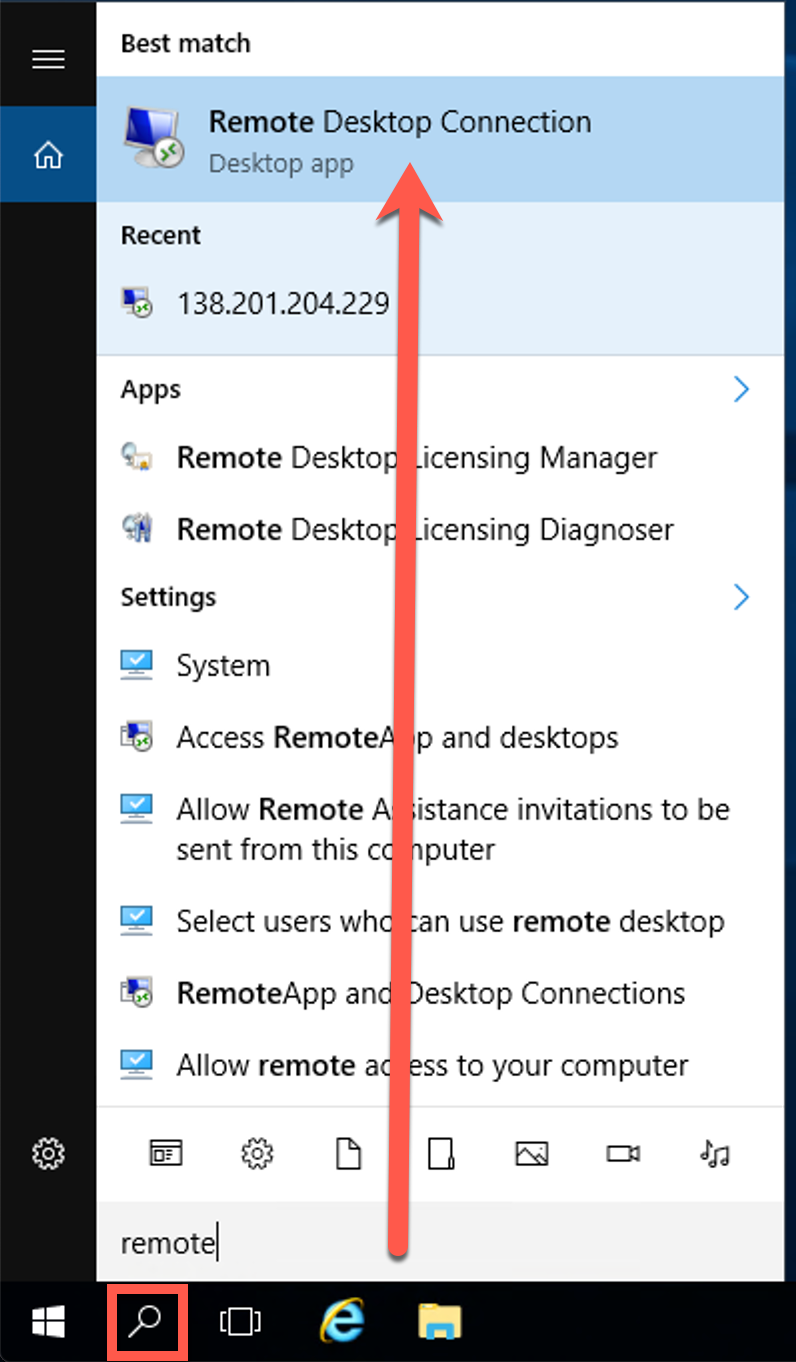
You Windows computer already has a program you need to use to connect to the Laboratory. It's called Remote Desktop Connection. To find and run it just click the Search Windows icon in the left bottom of your screen, type "remote" and select Remote Desktop Connection from the Start Menu.
STEP 2: Connect to the Laboratory
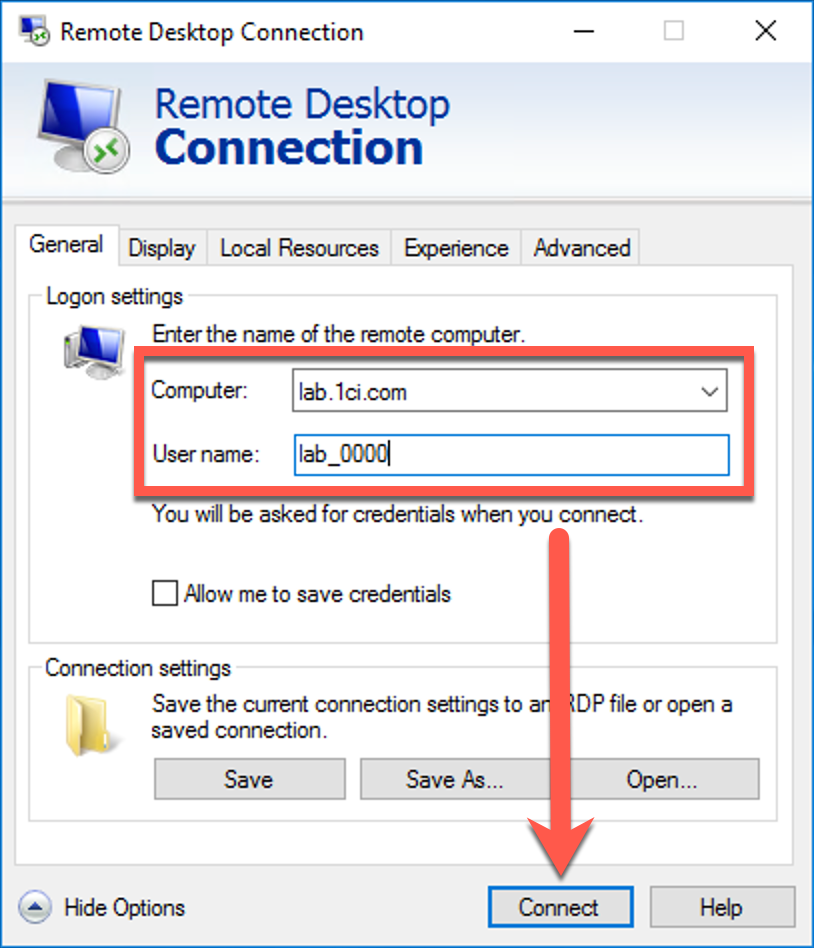
As soon as the RemoteDesktop Connection is running, click the Show options button, then type "lab.1ci.com" in the Computer field and you login in the User name field. The login was emailed to you after you activated your certification attempt. Then, click the Connect button.
STEP 3: Enter your password
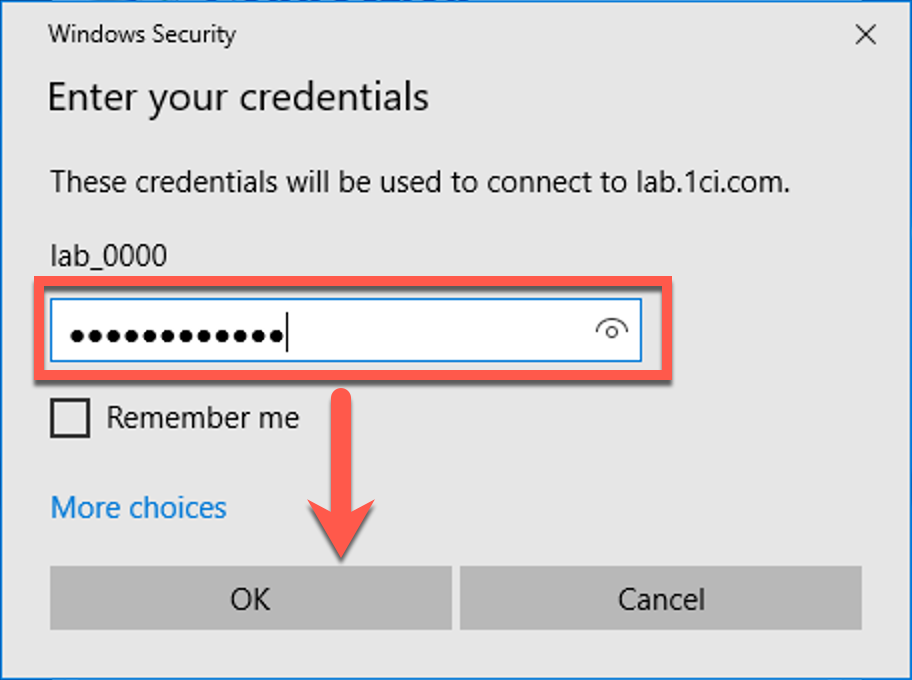
The same email contains the password for your Laboratory account. Enter the password and click the OK button.